New photos for every product.
Turn the photos you already have into studio shots, scenes and photos on a model, for one product or a whole collection. Review them, publish them to your products and undo any time.
10 free photos · Starter $9.99/month · Background removal always free
Coming soon to the Shopify App Store.
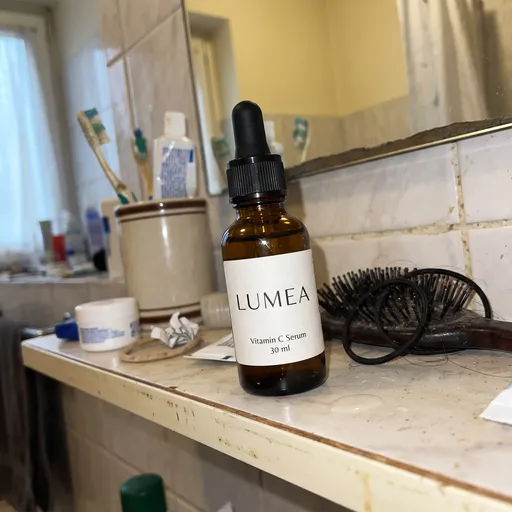 Your photo
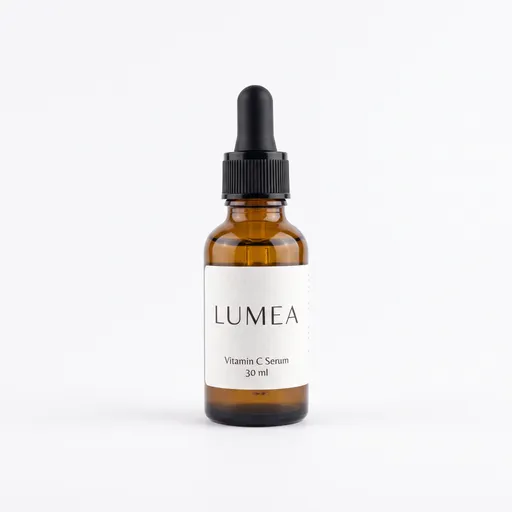 Studio
 Scene
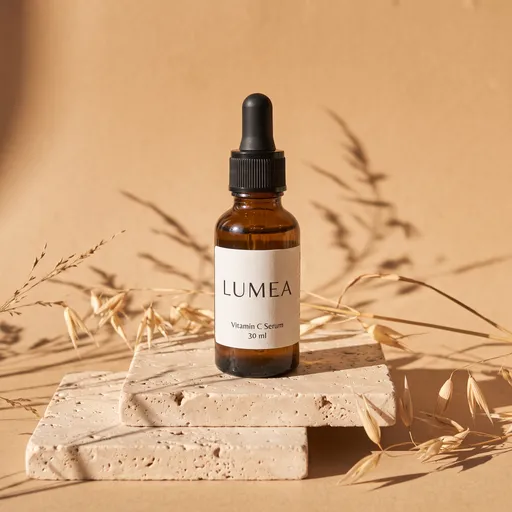 Your style
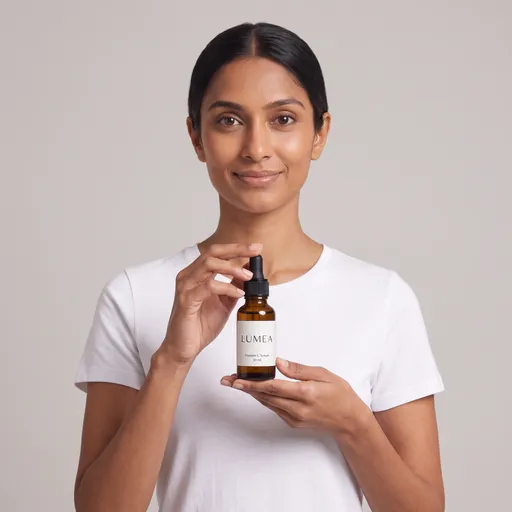 On a model
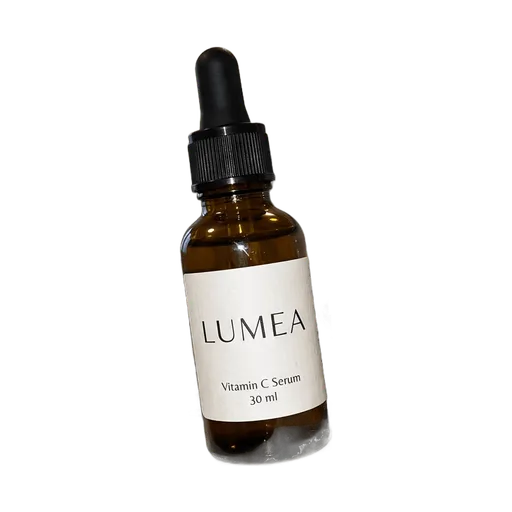 Background removal
Everything you need for new product photos
A photo score for your catalog
Every product gets a score for its photos, free and without AI, with the fix that helps it most.
Six styles
Studio, scenes, your own style, a scene you describe, background removal and photos on a model.
Background removal, free
Your product on white or on a transparent background, as often as you like, in every plan.
In bulk
Pick products or a whole collection. The photos are made in the background while you keep working.
Checked before you publish
A vision model checks that every photo shows the same product, and you see its doubts before you publish.
Publish or undo
Add the photo behind the main image or make it the main one. Undo any time: your originals are never deleted.
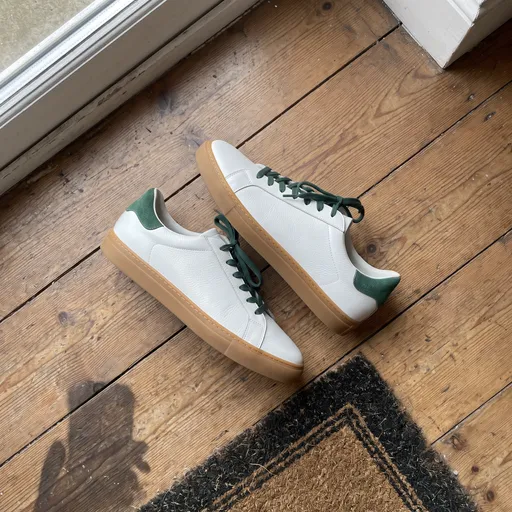
The same phone photo in every style
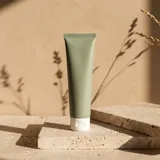
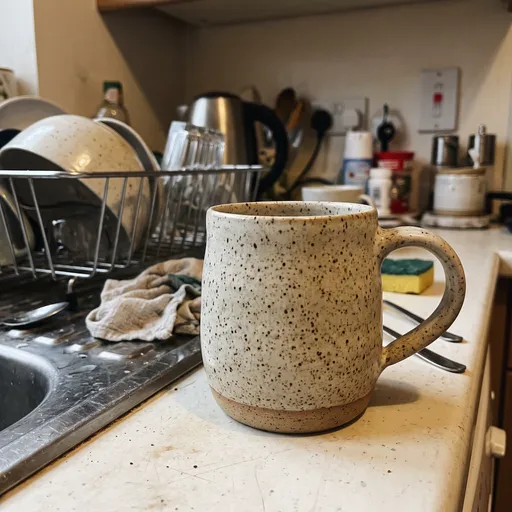
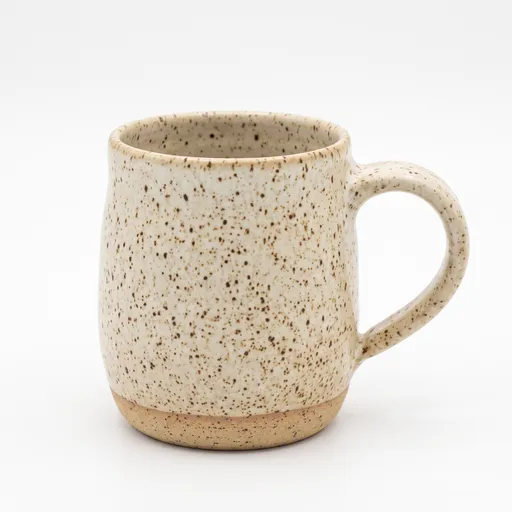
Every photo here was made by Photos All Over from the phone photo on the left, without retouching. The products are invented, and so are the models.
-
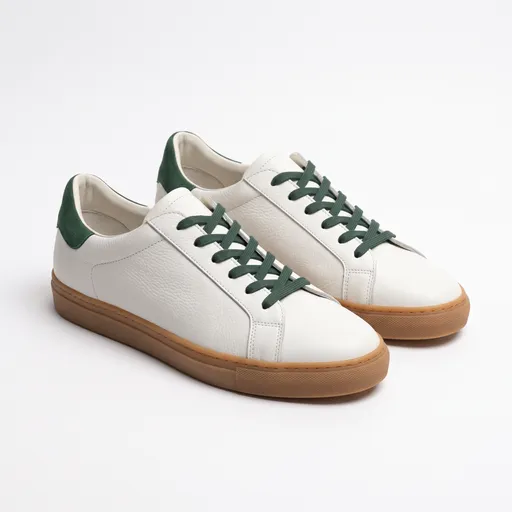
Studio
A plain background with a soft shadow.
-
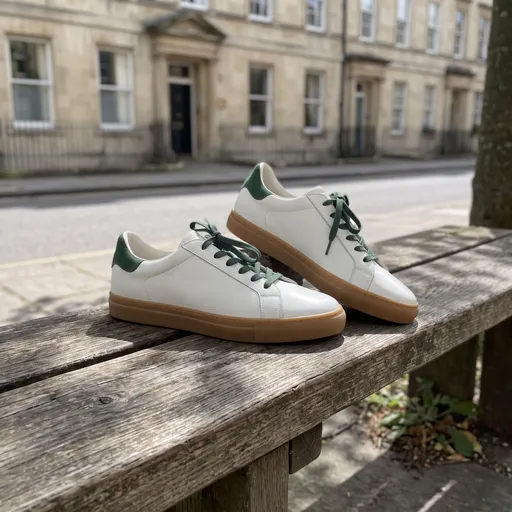
Scene
One of about 30 scenes, by type of product.
-
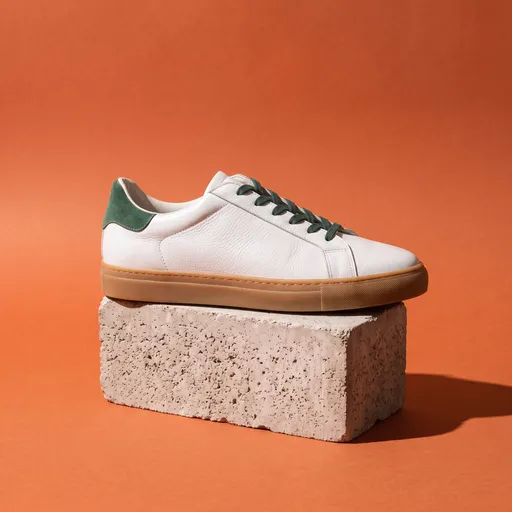
Your style
The light and mood of 2 or 3 of your own photos.
Your photos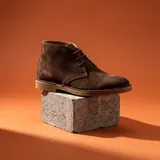
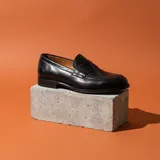
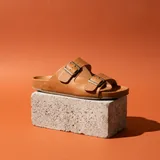
-
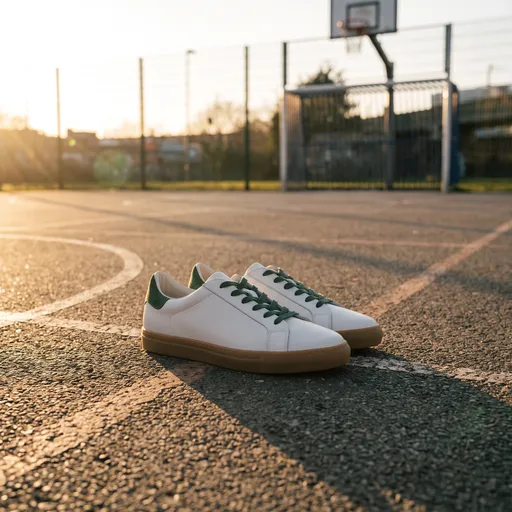
Describe your scene
“On a basketball court at sunset, with long shadows”
-
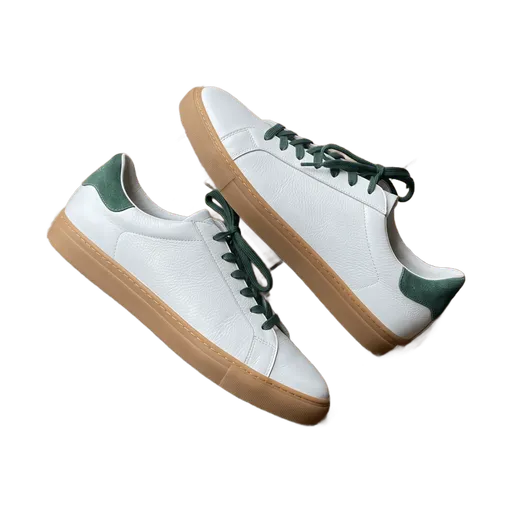
Background removal
On white or transparent. Free and unlimited.
-
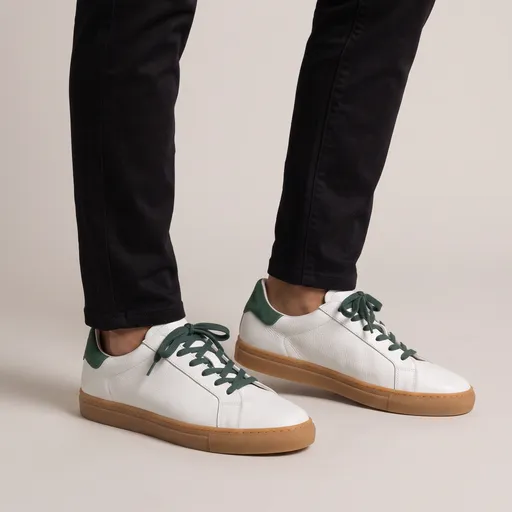
On a model
Worn or held by one of 16 invented models.
-
Studio
A plain background with a soft shadow.
-
Scene
One of about 30 scenes, by type of product.
-
Your style
The light and mood of 2 or 3 of your own photos.
Your photos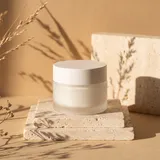

-
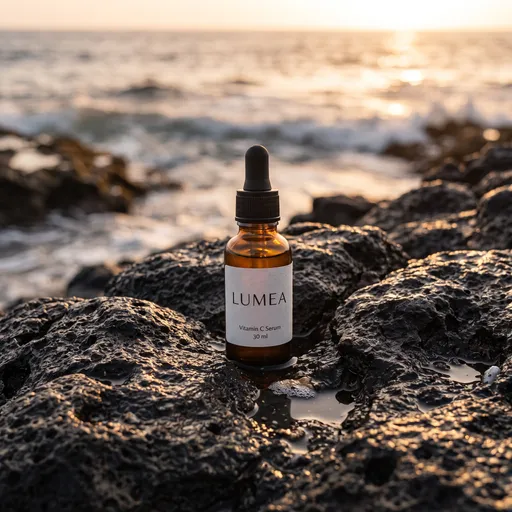
Describe your scene
“On wet volcanic rocks by the sea, in sunset light”
-
Background removal
On white or transparent. Free and unlimited.
-
On a model
Worn or held by one of 16 invented models.
-
Studio
A plain background with a soft shadow.
-
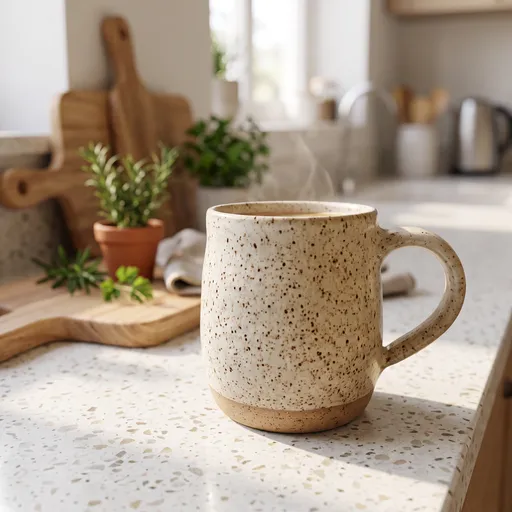
Scene
One of about 30 scenes, by type of product.
-
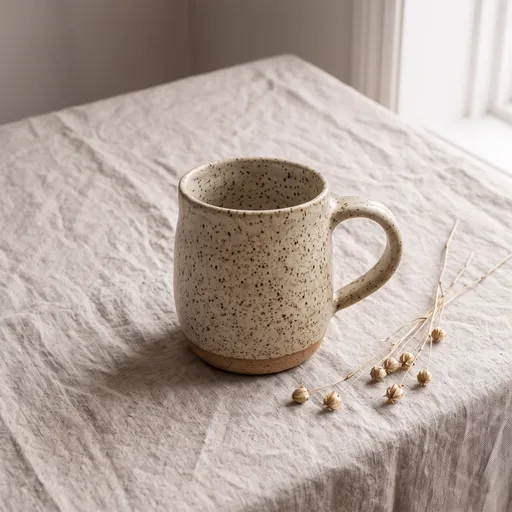
Your style
The light and mood of 2 or 3 of your own photos.
Your photos

-
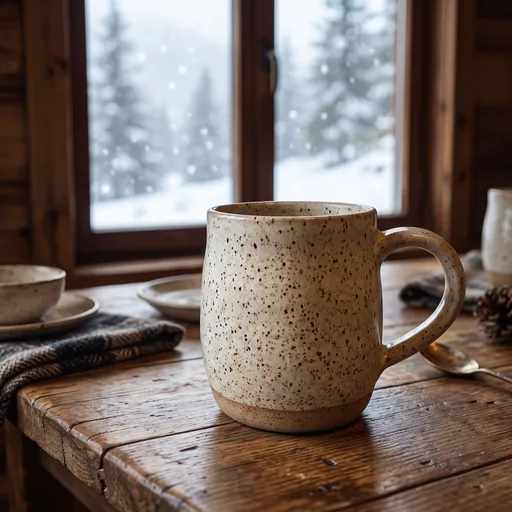
Describe your scene
“On a wooden table in a cabin, with snow behind the window”
-
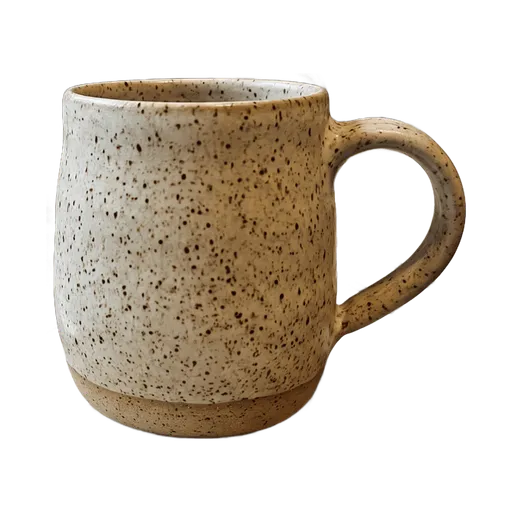
Background removal
On white or transparent. Free and unlimited.
-
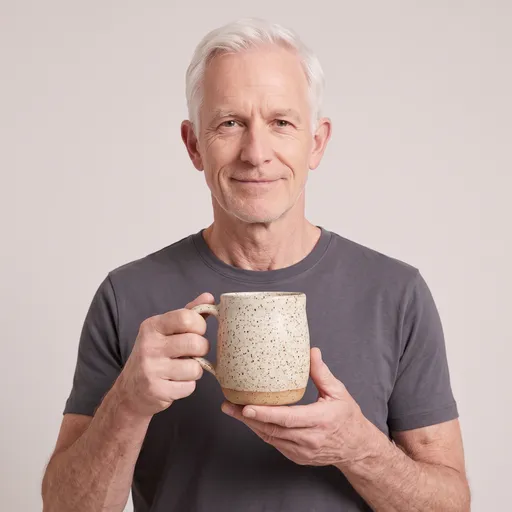
On a model
Worn or held by one of 16 invented models.
Know which photos to fix first
Photos All Over gives every product in your catalog a photo score. It looks at how many photos the product has, the size and sharpness of the main one, whether its background matches the rest of the catalog and whether the photos have alt text.
-
Free, without AI
We work the score out on our own servers. It uses no photos from your balance.
-
The best fix for each product
Each product shows the change that helps it most and how much it raises its score.
-
From the score to the photos
Select the products you want to fix and make their photos in one go.
Canvas sneakers 38 Poor Poor Studio photo +34, up to 72 Vitamin C serum 61 Needs work Needs work Remove the background +14, up to 75 Speckled mug 72 Needs work Needs work Alt text +10, up to 82 Key features
Every style is in every plan, the free one included. Plans only change how many AI photos you get each month.
Catalog photo score
- A score for the photos of every product, free and without AI
- Based on the number of photos, the size and sharpness of the main one, its background and the alt text
- The best fix for each product and how much it raises the score
- Select products from the catalog and make their photos in one go
Styles
- Studio: a plain background with a soft shadow
- Scenes: about 30, by type of product
- Your style: copies the light and mood of 2 or 3 of your own photos
- Describe your scene: write where the product should be
- Background removal: on white or transparent, free and unlimited
- On a model: 16 invented models, wearing or holding the product
In bulk
- Pick products or a whole collection
- One new photo per product, made from its main image
- Photos are made in the background while you keep working
Checked before you publish
- A vision model checks that every photo shows the same product
- Its doubts are shown before you publish
- Nothing is published until you approve it
Publishing
- Behind the main image or as the main image
- Alt text written in your store's language
- Undo any time
- Your original photos are never deleted
Quality
- 2K photos for your store and social media
- 4K for print or large sizes, counted as two photos
Made for Shopify
- Works inside your Shopify admin
- Admin in English, Spanish, French, German, Italian and Portuguese
New photos in three steps
- 1 Install and see your catalog's scoreAverage score57 out of 100PoorNeeds workGreat
- 2 Pick products and a style StudioSceneYour styleDescribe your sceneBackground removalOn a modelCreate 3 photos
- 3 Review and publish Same product Publish Discard
Pay for the photos you make
Free
- 10 AI photos, once
- Background removal, unlimited
- Catalog photo score
- Every style
Starter
or $99.90 a year, two months free
- 80 photos a month
- Unused photos carry over, up to 160
- Background removal, unlimited
- Every style
Pro
or $249.90 a year, two months free
- 220 photos a month
- Unused photos carry over, up to 440
- Background removal, unlimited
- Every style
Business
or $699.90 a year, two months free
- 700 photos a month
- Unused photos carry over, up to 1,400
- Background removal, unlimited
- Every style
Photo packs
Bought once, with or without a plan. Pack photos never expire.
Prices in USD, billed by Shopify. One AI attempt is one photo, and an attempt that gives no image is given back. A 4K photo counts as two. Background removal uses no photos.
Questions
Is there a free plan?
Yes. Every store gets 10 AI photos once, and background removal is free and unlimited in every plan. The catalog photo score is free too.
What counts as a photo?
Each AI attempt is one photo, paid from your balance before it is made. If an attempt gives no image, the photo is given back. A 4K photo counts as two, and background removal uses none.
What happens to the photos I do not use?
Plan photos you do not use carry over, up to twice your plan's photos. Photos from packs never expire, and you can buy a pack with or without a plan.
Will it delete my original photos?
Never. New photos are added beside your originals, behind the main image or as the main one. Undo removes only the photos we added, at any time.
Does the new photo show my real product?
Every photo is checked by a vision model that compares it with your product. When it has a doubt, you see it before you publish, and nothing is published until you approve it.
Who are the models?
16 human models we created with AI. They are invented, so no real person's likeness appears on your products. They can wear your product or hold it.
Can I make photos for my whole catalog?
Yes. Pick products or a collection, or select them from the catalog score, and the photos are made in the background. You review them when they are ready.
Are my photos used to train AI?
We never use your photos to train our own models. The privacy policy explains who processes them to make each photo.
Which languages are supported?
The admin is available in English, Spanish, French, German, Italian and Portuguese, and alt text is written in your store's language.
When will it be on the Shopify App Store?
Soon. Leave your email and we will write to you as soon as you can install it.
Still have questions?
Write to us. The people who build Photos All Over answer.